Build the course.
Keep the context.
A workspace for turning business knowledge into reviewed, editable training. This preview is separate from the separate hosted authoring beta. The free authoring beta requires an account and verified email.
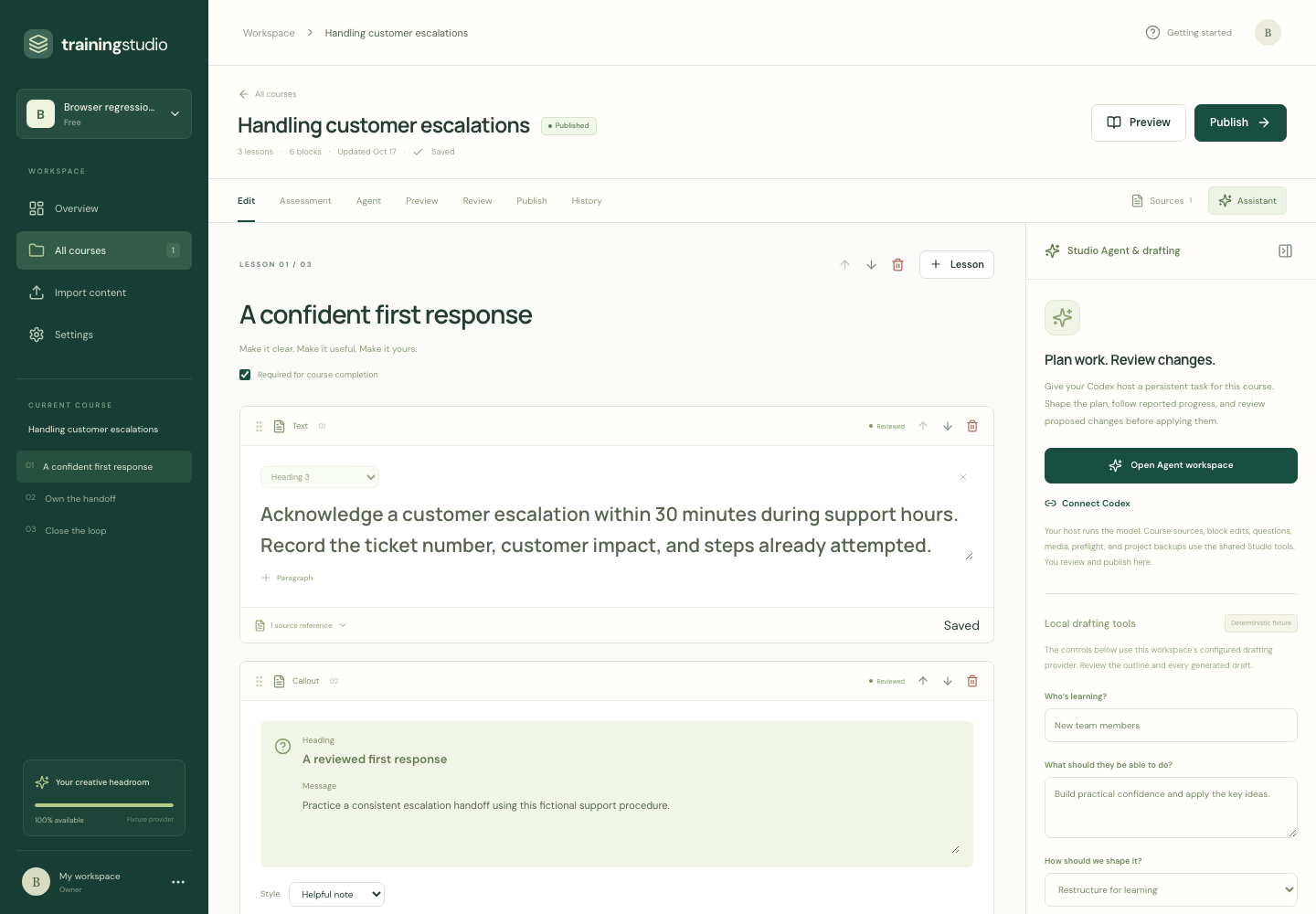
Make every lesson editable.
Move and configure responsive text, images, processes, tables, tabs, audio/video and knowledge checks. Save your changes, recover earlier versions and preview the learner experience.
Review the supporting passage.
See the source passages behind a lesson or question. Check the evidence, correct the wording and approve the content you want learners to see.
Start with your company’s guidance.
Reuse saved templates and approved company guidance. Ask the assistant for a draft or a change, then inspect the proposed edit before applying it.
Maintain the work you already did.
Compare source versions and choose which updates to accept. Deliberate rewrites are flagged for review, so a changed procedure does not silently erase your work.
Create your first
course in the free beta.
Try the free authoring beta with verified email signup, or use the browser-only demo without an account, uploads or live AI calls.
Try the browser-only demo